
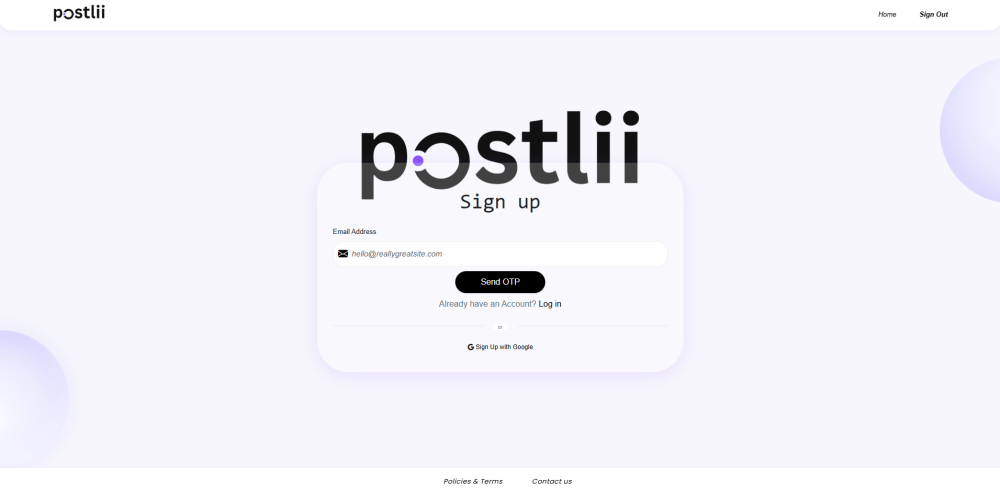

Postlii is featured in AppCodie’s website portfolio as a tool for creating banners, posters and social-media graphics. A useful design starts with a clear message: who the graphic is for, what it needs to communicate and what the viewer should do next.
Prepare the message before designing
Choose one purpose for the graphic, such as announcing a service, introducing a product or promoting an event. Write the main headline and supporting details first. Keep a reference copy of important information such as dates, contact details and offer conditions so it can be checked before publication.
Build a clear visual hierarchy
Give the main message the most attention. Use supporting text for details and leave enough space around the content to make it readable. Review the graphic at the size customers will actually see, especially on a phone, rather than relying only on a large editing view.
Keep business graphics consistent
Prepare your approved logo, colours and type choices before starting a set of graphics. For a campaign with several messages, keep the common elements consistent while changing the headline and supporting image to match each message. This makes review easier and helps avoid publishing an outdated contact detail or offer.
Check before sharing
- Confirm spelling, dates, prices and contact details with the person responsible for the campaign.
- Check that the message remains readable at the intended display size.
- Use images and other assets that you have permission to publish.
- Review the destination link and the action you want viewers to take.
- Check the output requirements of the channel where the graphic will appear.
Explore the product
Visit Postlii to see the current product and available design options. Features, account requirements and pricing should be checked there before choosing a workflow.
Planning a custom design or publishing tool?
Start by listing the content users create, the review process and where the output needs to go. A prototype can help test the editing workflow before building a complete platform. Explore AppCodie’s website and web application development service or share your requirements.