
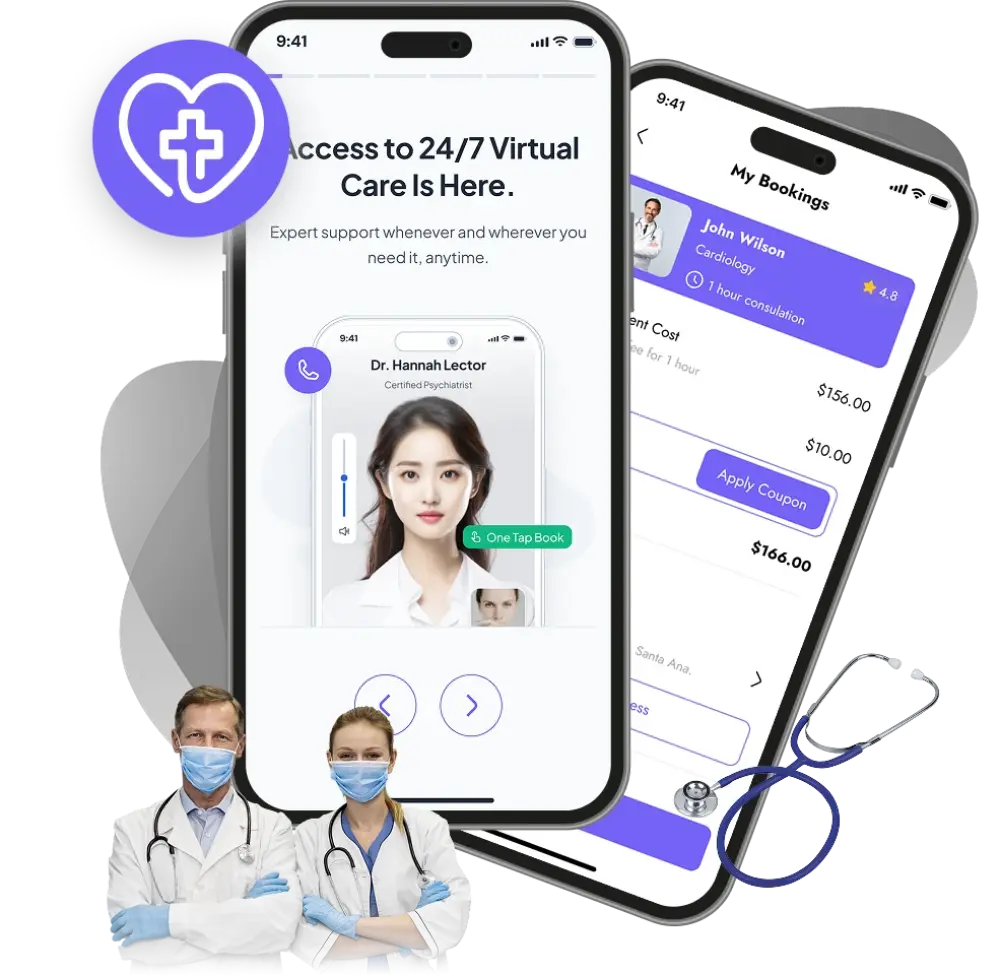
Patients should be able to find a doctor, understand available services, and request an appointment without navigating confusing pages or making repeated phone calls.
For clinics, hospitals, and healthcare startups, a well-planned website or mobile app can make these everyday interactions easier. The starting point is understanding what patients need and how the healthcare team manages those requests.
This guide explains the features to consider when planning a custom healthcare website, patient app, or clinic management platform.
What Is Healthcare Website and App Development?
Healthcare website and app development involves building digital tools that connect patients, healthcare providers, and administrative teams.
A healthcare website typically introduces services, displays doctor profiles, answers common questions, and supports appointment requests. A patient app can support ongoing interactions, such as appointment reminders, access to approved documents, and follow-up communication.
An administrative dashboard gives staff a place to manage the workflows behind these patient-facing features.
1. Clear Service Pages and Doctor Profiles
Patients need practical information before choosing a healthcare provider.
Each service page should explain what the service covers, where it is available, and how to arrange an appointment. Doctor profiles can include verified qualifications, specialties, languages spoken, and consultation availability.
Useful information includes:
-
Clinic locations and opening hours.
-
Available departments and services.
-
Doctor profiles and consultation schedules.
-
Appointment booking instructions.
-
Accessibility information and contact details.
Organizing this information clearly helps patients decide their next step.
2. Appointment Booking With Accurate Availability
Appointment booking should reflect how the clinic actually operates.
Some practices allow patients to reserve an available slot immediately. Others need staff to review a request before confirming it. The interface should clearly explain which process applies.
A booking workflow can include:
-
Selection of a service, doctor, and location.
-
Available dates and appointment times.
-
New-patient or returning-patient options.
-
Confirmation and reminder messages.
-
Cancellation and rescheduling requests.
-
Staff controls for holidays and unavailable slots.
For example, if a patient submits a request that requires approval, the screen should say “Appointment requested” and explain when confirmation will arrive.
3. Patient Accounts and Document Access
A patient portal can provide one place to view upcoming appointments and access documents made available by the healthcare team.
Depending on the project, this may include visit summaries, preparation instructions, and uploaded reports.
The account experience should remain straightforward. Patients need clear navigation, understandable labels, and a reliable account recovery process.
Access rules also need careful planning. Patients, doctors, reception staff, and administrators may require different permissions.
4. Online Consultation Workflows
If a healthcare provider offers remote consultations, the website or app can support the steps around the appointment.
These may include booking, consultation instructions, video access, and follow-up information.
Before development, define:
-
Which appointment types support remote consultations.
-
How patients receive joining instructions.
-
What happens if a connection fails.
-
How staff handle late arrivals and cancellations.
-
Where follow-up documents become available.
The digital workflow should match the provider’s actual service process.
5. A Practical Dashboard for Clinic Staff
The administrative experience deserves as much attention as the patient interface.
A dashboard can bring together appointment requests, doctor schedules, service information, and patient enquiries. Its design should reflect the tasks staff perform most often.
For example, a receptionist may need to review requests and update appointment status, while an administrator may need to manage locations and staff permissions.
Useful dashboard features include:
-
Daily and weekly appointment views.
-
Doctor availability management.
-
Appointment status updates.
-
Website content management.
-
Staff roles and permissions.
-
Records of relevant administrative activity.
A focused dashboard helps teams manage work without moving between unnecessary screens.
6. Mobile-Friendly and Accessible Design
Patients may visit a healthcare website using a phone, tablet, or desktop computer. Some may need larger text, keyboard navigation, or assistive technology.
Plan for readable typography, clear contrast, descriptive form labels, and buttons that are easy to select.
Forms should explain errors beside the affected field and preserve information already entered. Booking steps should remain understandable on smaller screens.
These details should be considered throughout design and development.
7. Privacy and Security Planning
Healthcare projects can involve sensitive personal information. Define what information the product needs, who can access it, and how it will be managed before development begins.
The project scope should address authentication, permissions, data handling, backups, and ongoing maintenance. Avoid collecting sensitive details in general enquiry forms when they are unnecessary for the request.
Any compliance claims should be based on an assessment of the complete product, its operations, and the requirements applicable to the organization.
Should You Build a Website or a Mobile App First?
Start with the patient journey you want to improve.
A website may be the appropriate first step when the priority is presenting services, helping patients find the clinic, and receiving appointment requests.
A mobile app may be useful when patients need frequent access to appointments, documents, reminders, or other ongoing services.
A phased project can begin with a website and administrative dashboard, then introduce an app once the recurring patient workflows are clear.
What Affects Healthcare Software Development Cost?
The scope of the product determines the development effort.
Key factors include:
-
The number of patient and staff workflows.
-
Website, iOS, and Android requirements.
-
Appointment scheduling complexity.
-
Connections to existing systems.
-
Document storage and access controls.
-
Design and accessibility requirements.
-
Testing, hosting, and ongoing support.
A service website with appointment requests has a different scope from a platform with patient accounts, video consultations, and multiple clinic locations.
Define the first release around a specific operational need so the team can estimate it accurately.
Planning a Healthcare Website or App With Appcodie
A useful project brief starts with three questions: Who will use the platform, what task should it make easier, and how will staff manage that task?
Whether you are planning a clinic website, patient booking app, or administrative dashboard, map the workflow before selecting features.
Discuss your healthcare website or app idea with Appcodie to define the patient experience, staff requirements, and scope for your first release.
Frequently Asked Questions
What features should a clinic website include?
A clinic website should provide clear service information, doctor profiles, locations, opening hours, contact details, and an understandable appointment request or booking process.
Does every healthcare business need a mobile app?
No. A mobile-friendly website may cover the initial requirement. An app becomes more useful when patients need recurring access to services and account features.
Can a healthcare platform connect to existing clinic software?
Integration depends on the existing software’s interfaces, access permissions, and technical capabilities. Assess these before committing to the project scope.
How long does healthcare app development take?
The timeline depends on the features, integrations, design requirements, and testing involved. A defined project brief is needed before providing a reliable estimate.