
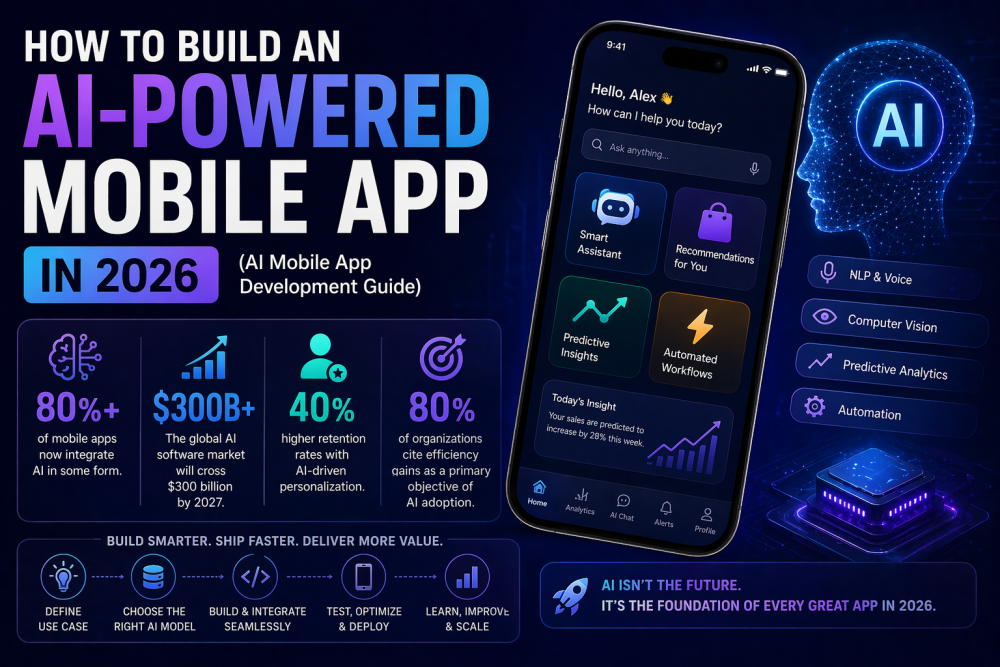
An AI agent and a mobile app describe different parts of a product. A mobile app gives people an interface on their phone; an agent can help interpret a request and coordinate actions behind that interface. For a business planning a product in 2026, the useful question is which user tasks benefit from AI and which should follow explicit rules.
What changes when an app includes an agent?
In a conventional booking flow, the customer selects a service, date and time through a defined sequence of screens. An agent-assisted flow could start with a request such as “Find an available appointment after work next week.” The system would need to interpret that request, look up real availability and present choices for the customer to confirm.
The calendar, account permissions and booking transaction still need ordinary application logic. An AI response alone is not evidence that an appointment exists or has been booked.
Where conventional workflows fit
Use explicit controls when the user already knows the action they want to take. Account settings, payment confirmation, consent and reviewing an order should be easy to inspect. For example, a customer changing one delivery address should not have to explain the entire task in a conversation.
Where an agent may help
Consider an assistant when users describe a goal in different ways or need help bringing information together. A possible support workflow could gather the order number, retrieve the delivery status and draft a response. Whether it should take further action depends on the permissions and review steps designed for that product.
Anthropic distinguishes predefined AI workflows from agents that choose their next steps and tools. Its engineering guidance recommends starting with the simplest approach that meets the task and evaluating the added cost and complexity. Read the engineering guide to effective agents.
A practical design for a first release
- Choose one task. Define what the assistant should complete and what is outside its scope.
- Specify the data. Identify which records it may read and how access is checked for the signed-in user.
- Show a review step. Let the user inspect a proposed booking or message before it is submitted.
- Provide a manual path. Users should be able to finish the task if the assistant cannot resolve their request.
- Test real scenarios. Include missing information, unavailable services, ambiguous requests and failed integrations.
How to evaluate the result
For your pilot, record whether users complete the intended task, whether they need to correct the assistant, and where they abandon the flow. Compare these observations with the existing interface. Decide in advance what improvement would justify maintaining the additional feature.
Planning your mobile product
Start with the customer journey and a small release scope. Share your target platforms, existing APIs and the task you want to improve. Explore AppCodie’s mobile app development service or discuss your project requirements.